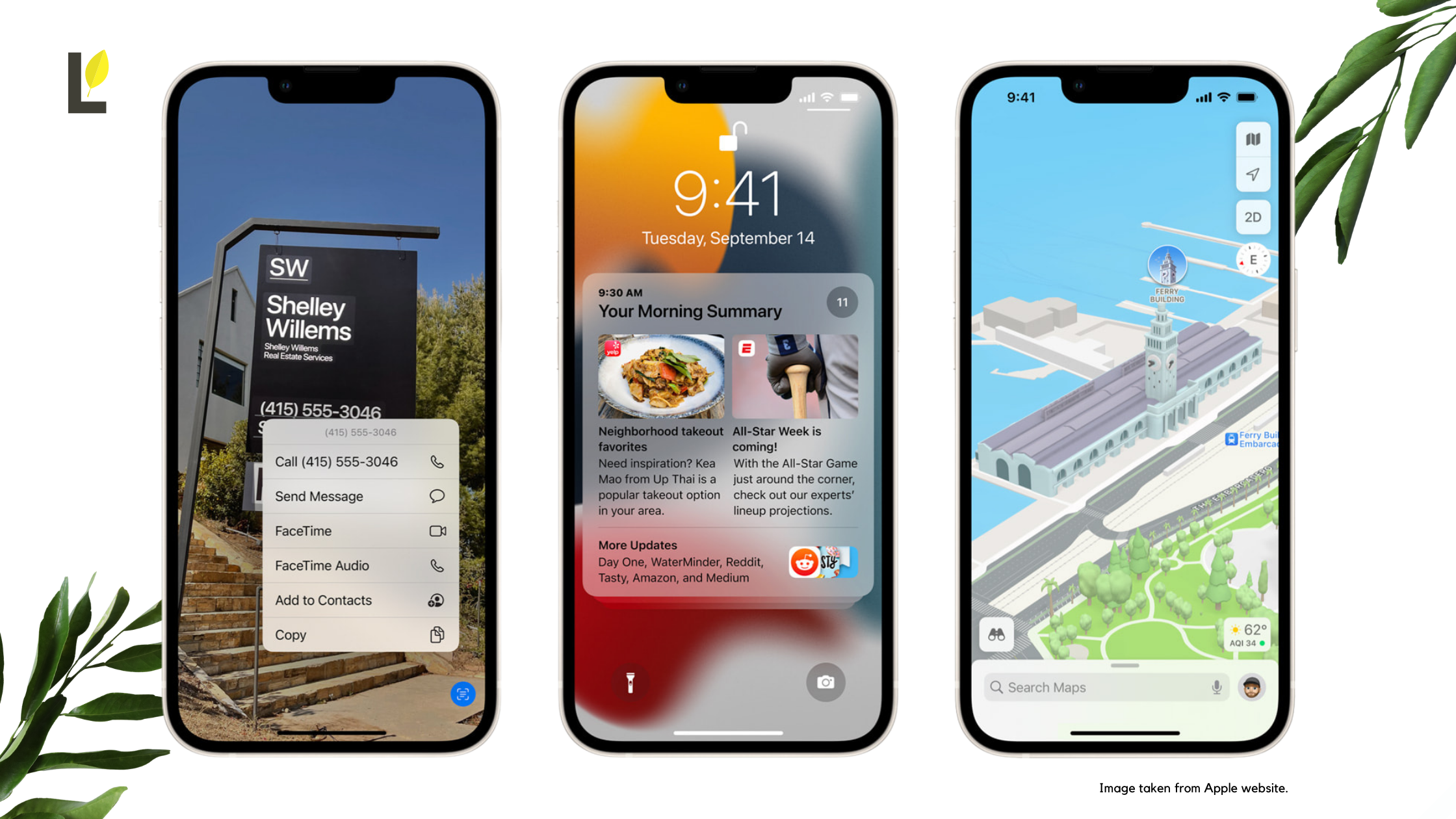
Apple just released its latest iOS version, the iOS15, with a variety of features that are sure to make iPhone users leap for joy. Considering the large number of changes that have been made, we bring you the latest updates that would have the greatest impact on your day-to-day life!
5 iOS15 Updates
#1 – Improved FaceTime Calls using iOS15
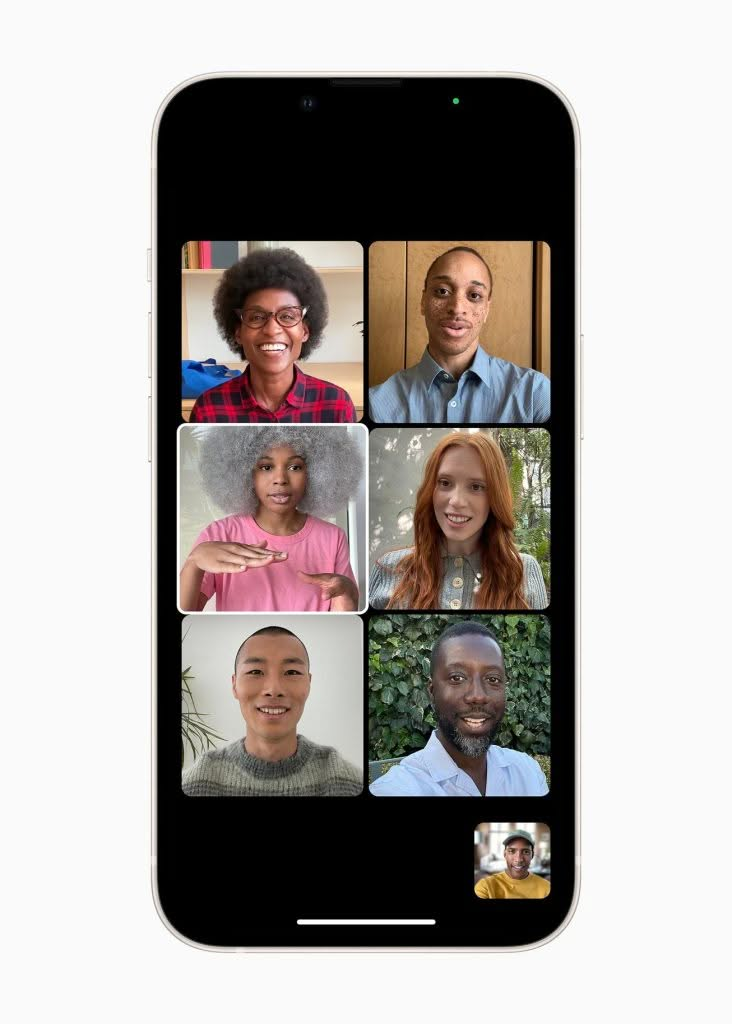
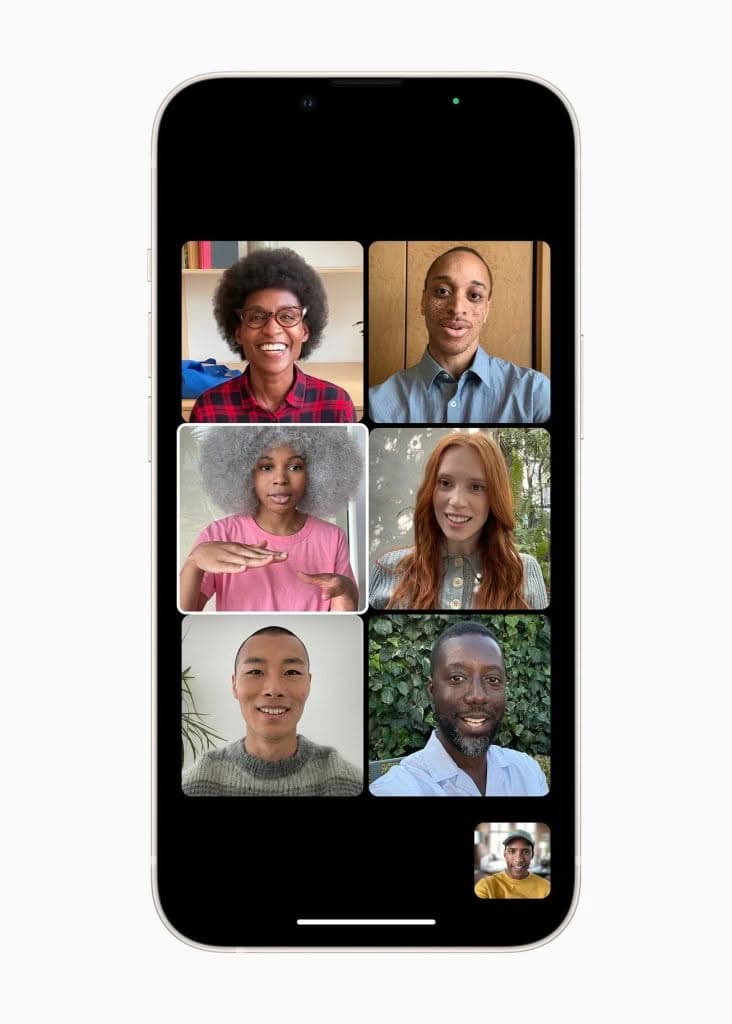
You won’t have to worry about loud background noises, muffled voices, and cluttered backdrops when you’re in a meeting or talking in public spaces.
- Voice isolation eliminates background noise and prioritizes the user’s voice
- Wide Spectrum allows most background sounds to come through
- Portrait mode blurs a user’s background
All iPhone users can use these updates with third-party apps, such as WebEx, Zoom, and WhatsApp.
We rate this update 10/10 in usability and timeliness in the current context of remote work.
#2 – On-Device Intelligence Delivers Live Text
With its new Live Text feature, your Apple device now functions as an all-in-one scanner, encoder, browser, dictionary, and translator!
Using on-device intelligence, Live Text converts texts from photos into editable text, allowing users to copy and paste, look up information, and translate.
How cool is that?
#3 – Focus!
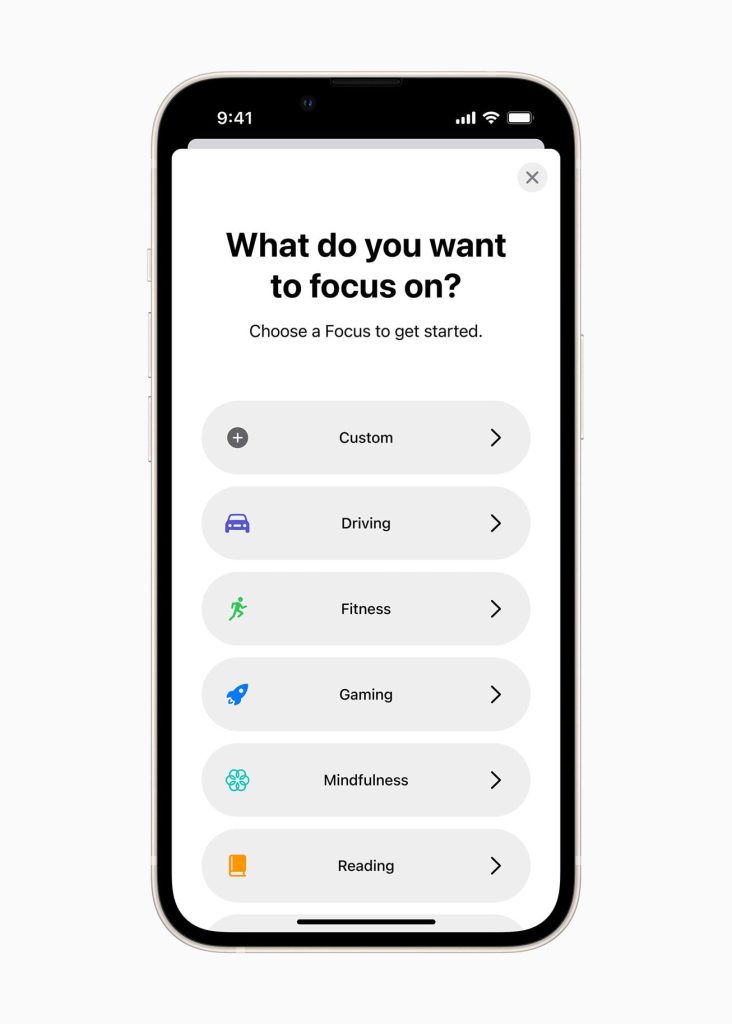
If too many distractions on your phone are a point of irritation, you will be delighted with ‘Focus’, the new iOS15 feature, which reduces distraction by filtering notifications based on what a user wants to focus on.
Focus comes in different modes:
- Work Focus – allows notifications only from co-workers and apps used for work
- Personal Focus – used when taking a break with friends and family
- Fitness Focus – stays in the zone while completing a workout
Be effective and efficient every day by focusing your time on things that matter the most at that specific time!
#4 – Translate
Need help communicating with international co-workers or clients?
The new Translate recognizes when a user starts speaking and translates speech without the user having to press the microphone button, enabling more natural conversation across languages.
Easily translate text anywhere on your iPhone by simply selecting and tapping “Translate”!
Establish deeper connections and relationships with other people. Now, you can say “Bonjour!” or “早上好!” instead of “Good Morning!”.
#5 – Personalized Memoji
Are you unhappy with your Memoji which doesn’t provide the option of including the garments and accessories that are so much a part of your identity?
Here’s the good news! You can now customize your Apple Memojis with new headwear, glasses, and even items like cochlear implants, oxygen tubes, and a soft helmet!
—–
There are more updates in the new iOS15, but these five stole the spotlight.
Which one is your favourite? Let us know by connecting with us now!